
Martech
Growth Operations
Expand
Optimize performance and reduce technical debt. Ideal for efficiency and fine-tuning.


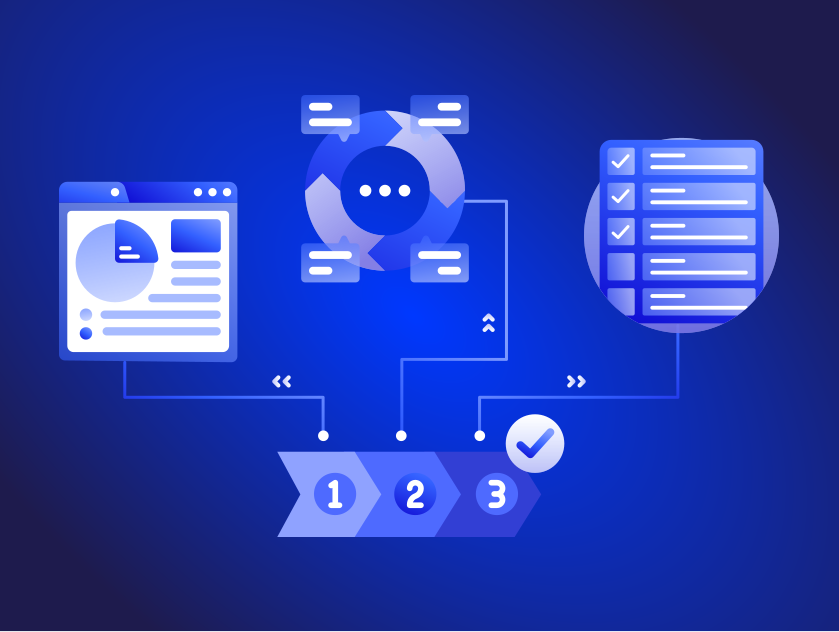
Webflow is a powerful tool that allows all types of users to design and develop dynamic and responsive websites with little or no code, but like any development process, it can be overwhelming at first. To help you get started, here's a step-by-step guide to the Webflow development process.
Once you have a clear plan for your website, you can start setting up your Webflow project. This includes creating a new project, setting up the basic structure, and configuring the settings for your website.
With your project set up, you can start designing your website. This includes creating pages, using the grid or flexbox system to layout elements, and using classes and components to create reusable styles and elements. You can also use Webflow design tools, such as the style panel, to easily create and apply styles to your elements.
Webflow interactions and animations capabilities allow you to bring your website to life by creating dynamic and interactive elements. This includes adding hover effects, scroll effects, and more. You can also use triggers and actions to create custom interactions, such as hiding and showing elements based on user actions.
Webflow has the capabilities of integrating with a variety of other tools, such as Google Analytics, Mailchimp, and many more. This allows you to easily add functionality to your website, such as data tracking, forms, and many more.
Test your website before publishing your website, it's important to test it thoroughly to ensure that it works as expected. This includes testing on different devices and browsers, and checking for any bugs or issues. Additionally ensuring that it is accessible to all users, regardless of their device, screen size or disabilities.
Once you're satisfied with your website, you can publish it to the web. Webflow provides hosting options for your website, so you don't need to worry about setting up a separate hosting solution.
By following this development process, you can create professional and functional websites using Webflow, and ensure that they look and work great on all devices. Whether you're a beginner or an experienced developer, Webflow user-friendly interface, powerful design tools, and responsive design capabilities make it a popular choice among designers and developers of all types.
Find the right engagement fit for your current need(s)
Go to Market
Consulting
Validate ideas with market research, strategic planning and prototyping. Ideal for exploring new concepts.
Martech
Implementation
Launch Low-code MVP or Custom Interactive websites with user-focused design. Perfect for quick market entry.
Growth & Marketing
Campaign Experimentation
Boost growth with scalable systems and marketing automation. Suited for advanced analytics and more.
For teams with a bigger appetite for growth
Martech
Transformation
Transform with system modernization and integration. Best for comprehensive digital change.
Martech
Growth Operations
Optimize performance and reduce technical debt. Ideal for efficiency and fine-tuning.

Enterprise Singapore sets the rules and can change them. In general, you need all three of these before your project is assessed.

The grant is run by Enterprise Singapore for companies registered and operating here.

You need to have sufficient funds available to pay for the entire project upfront.

You need a defined project with real deliverables, dates, and outcomes.














We can't wait to hear all about your game-changing ideas. Spill the tea!

Be the first to know on further updates on Growth contents for your organisation, don't miss out on our sneak peaks and exclusive community contents!