

Martech
Growth Operations
Expand
Optimize performance and reduce technical debt. Ideal for efficiency and fine-tuning.

If you're new to Looker Studio, feel free to learn more about them here
A quick note: Here at Admiral Systems, we provide comprehensive Digital Transformation Solutions for Growth & Product Leaders.
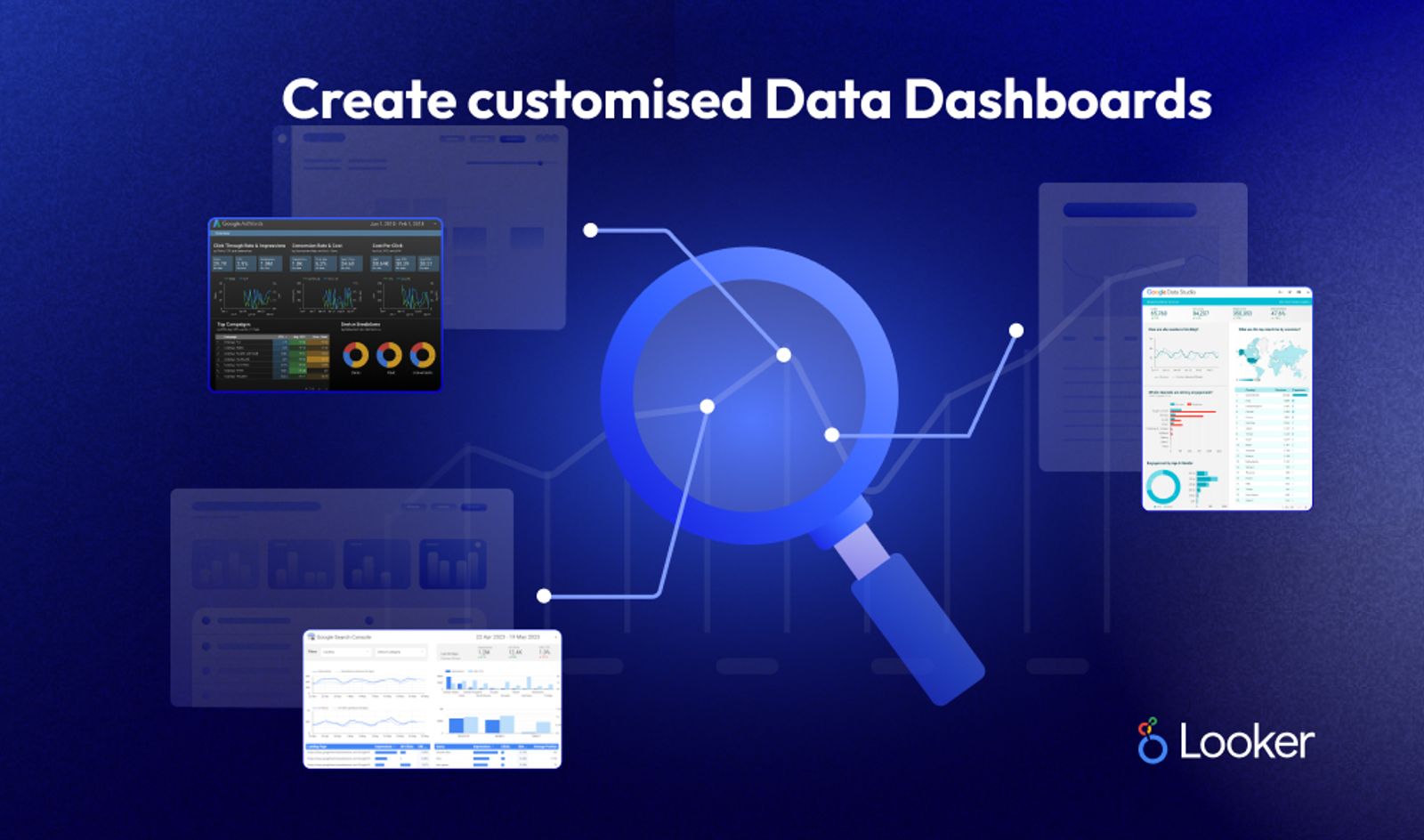
As a Google Cloud product, the cost of Looker varies based on a number of factors, such as your specific business needs, user count, and the scale of data you're working with. Pricing details are not publicly available and are typically provided through direct contact with the Looker sales team. However, it's essential to remember that the value of Looker lies in its powerful data visualisation and analytics capabilities that provide real-time insights, enabling data-driven decisions across all departments in your organisation.
Google Analytics and Looker are both powerful tools but serve different purposes in your tech stack. Google Analytics focuses on tracking and reporting website traffic. It's an essential tool for understandinguser behaviour, with metrics such as page views, bounce rates, and conversions.
On the other hand, Looker is a modern platform for data that leverages the power of SQL to explore, analyse, and share business insights. Its real-time data exploration allows teams to ask and answer their own questions, leading to more informed decisions.
While Google Analytics provides valuable insights about your web traffic, Looker can ingest that data and blend it with data from other sources, providing a more comprehensive view of your business.
Google Data Studio stands out for its data visualisation capabilities. It allows you to create informative, easy-to-read, and interactive reports and dashboards with data from various sources. Its strongest feature is its seamless integration with other Google products and a wide array of third-party sources, simplifying the process of aggregating and visualising your data in one place.
Here's a quick overview video of Looker Studio
According to G2, top competitors and alternatives to Looker include Tableau, Microsoft Power BI, and QlikView. While these tools all offer robust data visualisation and analysis features, Looker stands out for its powerful data modelling layer, LookML. This feature allows businesses to define business metrics, relationships, and derivations in a SQL-based language, ensuring consistent metrics across the organisation.
Looker Studio provides an excellent platform for SEO reporting. You can easily connect Looker with Google Search Console to create comprehensive SEO reports. These reports can track your website's organic search performance, including metrics like click-through rates, impressions, and average position in search results. By leveraging Looker's capabilities, you can dive deep into your data, identify trends and insights, and make data-driven decisions to enhance your SEO strategy. For more details, refer to this article.
Using Looker Studio, you can connect with Google Analytics 4 to access and analyse key SEO metrics such as user engagement, bounce rates, and conversions. You can create custom dashboards to visualise these metrics and uncover insights in real-time. With Looker, you can also blend this data with other sources to understand the full picture of your SEO performance and identify opportunities for improvement. For more information, check out this guide.
Here's a great video to showcase how you can create your own SEO dashboard from Google Search Console, to Looker Studio
This Video was prepared by Gaille over at Gaille Reports
To connect Google Search Console to Looker Studio and view your SEO performance data, follow these steps:
Step 1: Generate Google Cloud ProjectFirst, create a Google Cloud project to generate an API key that will allow Looker to connect to the Google Search Console.
Step 2: Enable Google Search Console APIOnce you've created a Google Cloud Project, you need to enable the Search Console API for it.
Step 3: Create CredentialsNext, create credentials that Looker will use to connect to the Google Search Console.
Step 4: Grant Permissions in Google Search ConsoleNow you need to give the service account permission to access your data in the Search Console.
Step 5: Connect Looker to Google Search ConsoleFinally, set up the connection in Looker.
Once the connection is set up, you can now build Looker views and explore based on your Google Search Console data to analyse your SEO performance. Remember that Looker's powerful data exploration and visualisation tools can provide you with deep insights to drive your SEO strategy.
Several resources offer free learning materials for Looker Studio, including:
We've included some advanced Looker Studio hacks for BI use cases. If you're new to Looker Studio, we'd advise you to skip them for now and revisit this article later.
Looker Studio stands as a powerful, flexible, and scalable data platform. It provides real-time insights, allowing you to make informed decisions promptly. Its robust integration capabilities mean you can aggregate and analyse data from various sources in one place. Looker Studio is a must-have tool in your tech stack, and it's free to start, making it an excellent choice for organisations of all sizes.
At Admiral Systems, we believe in the transformative power of data. We can help you structure your Looker Studio analytics for optimal results, guiding you through setting up and implementing Looker in your tech stack. Our team of experts can work closely with you to identify key metrics and create custom reports and dashboards tailored to your specific needs, enabling you to track your marketing, web, and product performance effectively. Through Admiral Systems and Looker Studio, you can unlock the full potential of your data and drive your business growth. Learn more about our Transformation Solutions and Services here.
We hope this article has given you a better understanding of Looker Studio and why it matters to marketers, product leaders and data teams. If you're looking for more information on how Looker Studio can help your business, feel free to contact us today!
Looking forward to catching up with you soon!
Find the right engagement fit for your current need(s)
Go to Market
Consulting
Validate ideas with market research, strategic planning and prototyping. Ideal for exploring new concepts.
Martech
Implementation
Launch Low-code MVP or Custom Interactive websites with user-focused design. Perfect for quick market entry.
Growth & Marketing
Campaign Experimentation
Boost growth with scalable systems and marketing automation. Suited for advanced analytics and more.
For teams with a bigger appetite for growth
Martech
Transformation
Transform with system modernization and integration. Best for comprehensive digital change.
Martech
Growth Operations
Optimize performance and reduce technical debt. Ideal for efficiency and fine-tuning.

Enterprise Singapore sets the rules and can change them. In general, you need all three of these before your project is assessed.

The grant is run by Enterprise Singapore for companies registered and operating here.

You need to have sufficient funds available to pay for the entire project upfront.

You need a defined project with real deliverables, dates, and outcomes.














We can't wait to hear all about your game-changing ideas. Spill the tea!

Be the first to know on further updates on Growth contents for your organisation, don't miss out on our sneak peaks and exclusive community contents!